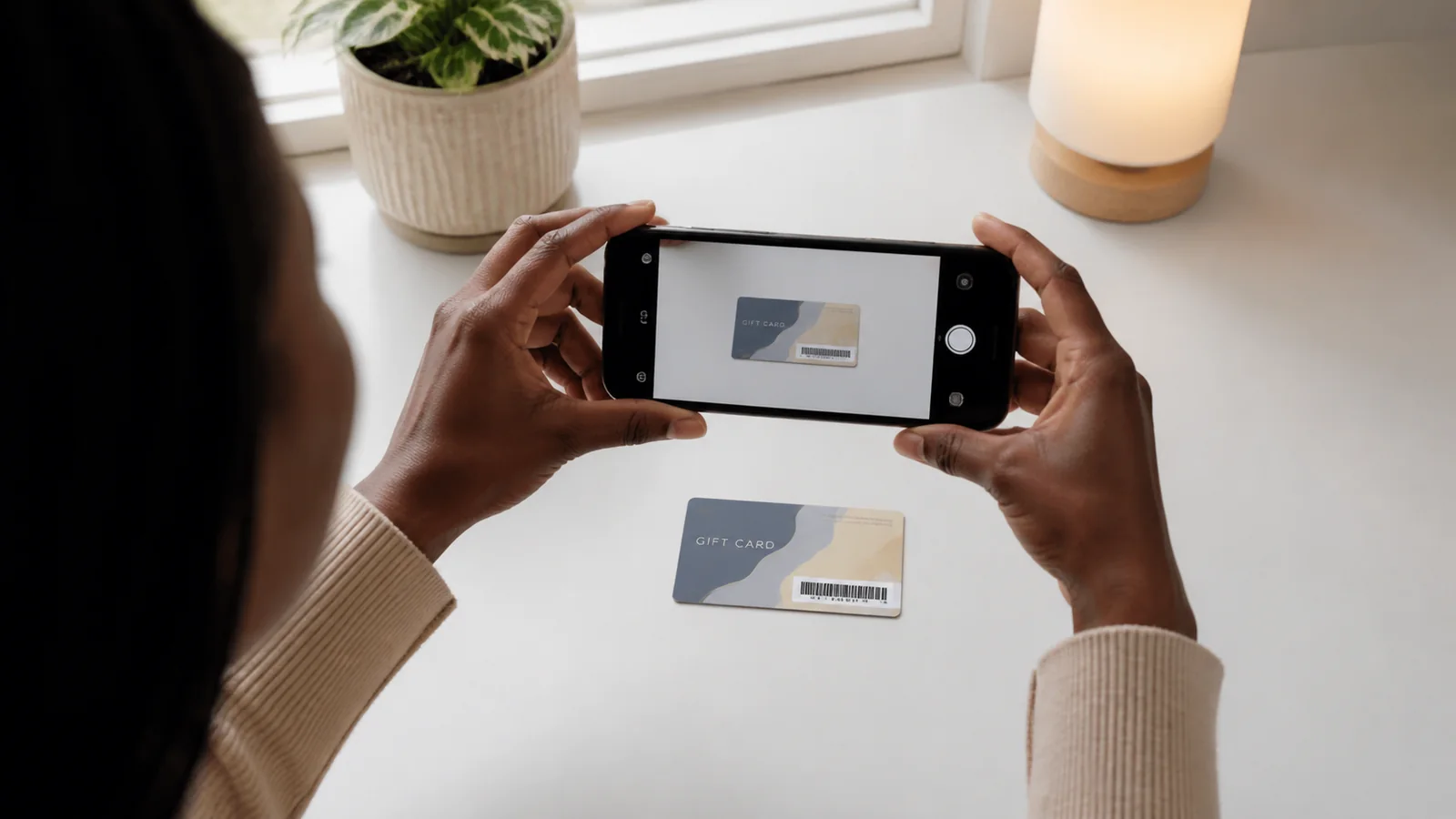
Photograph the card in even light on a plain background, keep the full card edges visible, and make the brand, denomination, currency, and region clues readable. Avoid glare, blur, filters, screenshots of compressed previews, and unrelated personal information. Never post a complete unused code or PIN publicly while requesting a quote.
· OKGift Editorial Team · 6 minute read
Key takeaways
Use even light and a plain background
Show the full card edges and relevant printed details
Keep denomination, currency, and region clues readable
Avoid filters, glare, blur, and aggressive cropping
Do not publish a full unused code, PIN, receipt, or personal information
Set up the image before taking it
Place the card on a clean, plain surface and use soft, even light. Hold the camera directly above the card so the shape is not distorted. Clean the camera lens and use the normal photo mode rather than a beauty filter, document effect, or social-media compression. The full edges should remain visible unless official support asks for a specific follow-up image.
Make classification details readable
The reviewer may need the brand, product type, denomination, printed currency, country clues, and evidence format. Focus on those details. For a physical card, show enough of the object to establish that it is a physical image. For an electronic delivery image, preserve the original layout and avoid rebuilding it in an editor. Do not substitute a screenshot of a thumbnail when the original file is available.
Protect codes and personal information
A complete unused code or PIN should not be posted on a public page, group, or comment. Receipts can contain names, payment fragments, loyalty identifiers, or barcodes that are not necessary for an ordinary quote. Start with the minimum requested evidence and share any specific follow-up only through the support route linked from https://okgift.cards/.
Check the file before sending
Zoom in and confirm that the important text is readable, the image is not cut off, and glare does not cover the denomination or region clues. Make sure you selected the intended image rather than a different card or an edited copy. If the exact category remains unclear after a good image, request manual classification rather than choosing a nearby rate option.
Common questions
Should I show the complete gift card code in the first photo?
Do not publish a complete unused code publicly. Follow the specific instructions from official support for the exact review.
Can I use a filtered or edited image?
Avoid filters and edits that change colors, text, edges, or evidence context. A clear original image is more useful.
What details should be readable?
Make the brand, denomination, printed currency, region clues, and physical or electronic format clear.
Should I include my receipt in the same image?
Not for an ordinary quote unless support requests relevant proof. Keep unrelated personal and payment information out of the image.