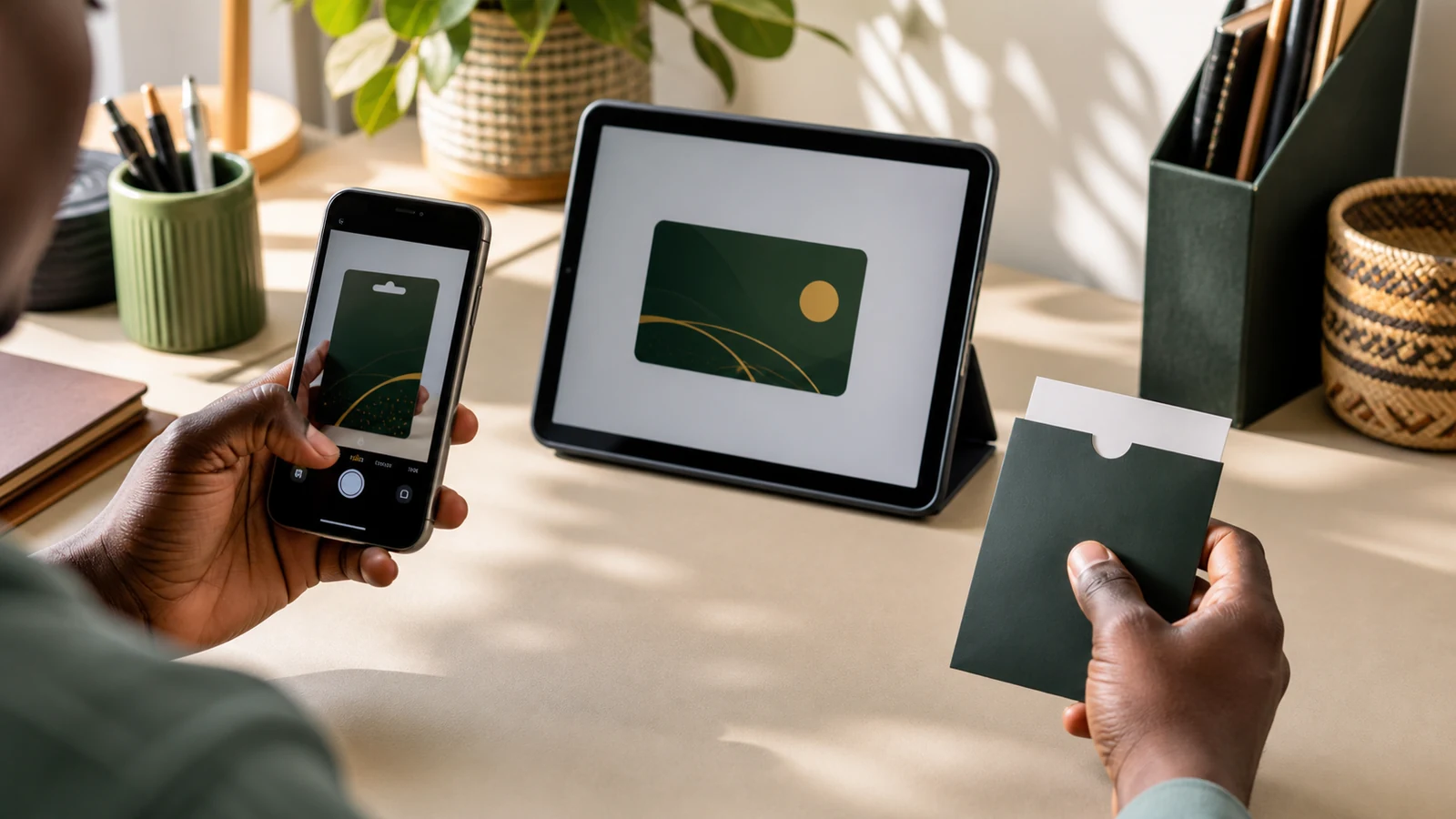
Apple gift card image vs code: choose the correct quote category
An Apple gift card image and a plain code do not necessarily receive the same quote. Apple does not set resale quotes; OKGift classifies physical card images, electronic images, and plain codes separately because region, face value, current demand, supported processing, and verification needs can differ. Select the format you actually hold, then confirm the live estimate with support.
· OKGift Editorial Team · 6 minute read
Key takeaways
Apple image and code quote categories can differ
Select the real format rather than the category with the higher estimate
Region and face value are required for correct classification
A receipt is optional for an ordinary quote
Use the live calculator because temporary quote values do not belong in evergreen articles
1. Start with the Apple card type and region
Apple distinguishes Apple Gift Card, App Store and iTunes cards, and Apple Store Gift Cards. Their designs and intended uses are not identical. Confirm the exact card type, issuing country or storefront region, and face value before comparing any estimate. Apple also says its gift cards cannot be redeemed outside the country or region of purchase. That makes the correct region a required detail.
2. Image, electronic image, and code describe different evidence
A physical card image can show design, printed value, and other visible details used during classification. An electronic image comes from digital delivery and may have a different layout. A plain code provides the redeemable characters without the same visual context. These formats may be listed separately in the OKGift calculator, and the customer should always select the format actually held.
3. Why the quote estimate can differ
Apple does not publish or control OKGift resale quotes. A difference between image and code estimates reflects the quote categories currently supported by OKGift, including buyer demand, card region, face value, processing availability, and verification requirements. These conditions change. Current figures belong in the live calculator because a rate copied into this article would soon be out of date.
4. How to request the correct Apple quote
Choose Apple, enter the country or region and face value, then select physical image, electronic image, or code based on what you have. Review the current estimate and ask support to confirm the final category before proceeding. Do not select an image category for a code-only card simply because its displayed estimate is higher.
5. Protect the code and treat the receipt as optional
Keep the card unredeemed while requesting confirmation and do not place the redemption code in a public post or group. A receipt is optional for an ordinary OKGift quote and its absence does not reduce the quoted category. If a card has an activation or redemption problem, Apple may separately ask for purchase evidence or card details during support.
Common questions
Does an Apple gift card code have the same quote as a card image?
Not necessarily. The live quote can differ because OKGift treats physical images, electronic images, and plain codes as separate categories. Choose the format you actually hold.
Why does the country or region matter for an Apple gift card?
Apple states that its gift cards cannot be redeemed outside the country or region of purchase. The region is therefore required for correct classification.
Do I need a receipt to request an Apple gift card quote?
No. A receipt is optional for an ordinary quote and not providing one does not change the quote category. Keep it if available for possible activation or redemption support.
Should I reveal the Apple redemption code before the category is confirmed?
Do not post a redemption code publicly. First confirm the card type, region, face value, and format through the agreed support process.